Print Test Page Online

Check your printer's connection, color accuracy, and alignment in seconds. Works with any browser, no software needed.

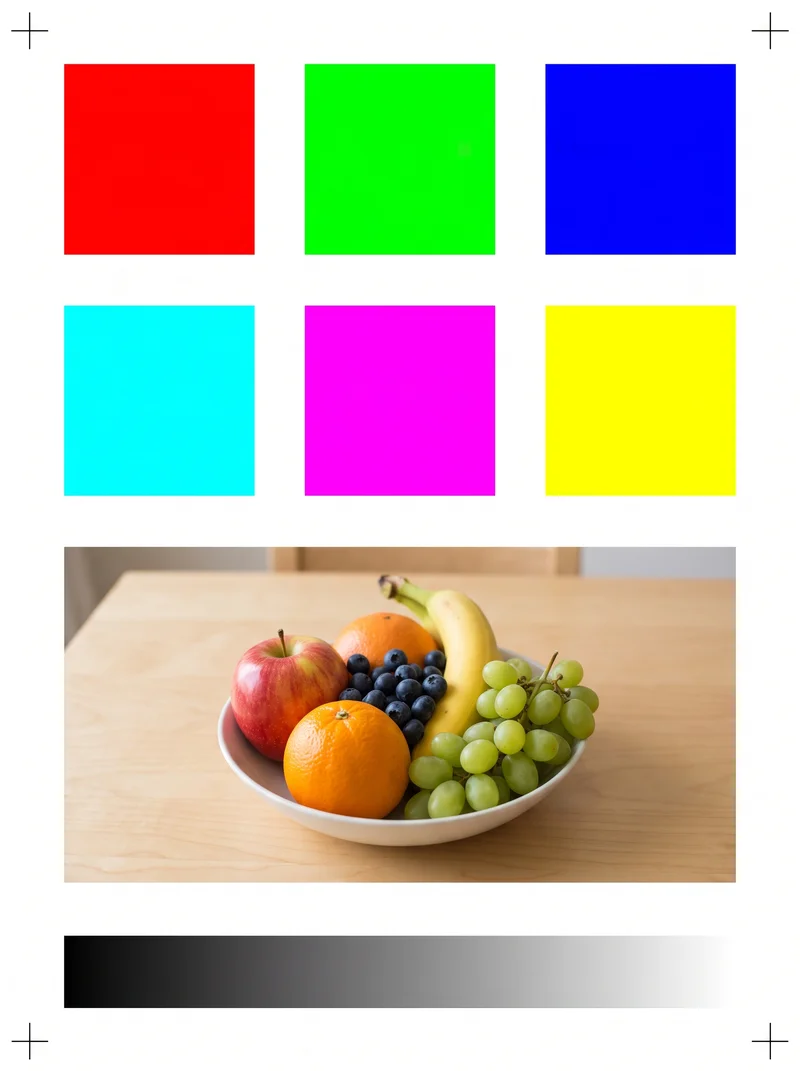
Color Print Test Page

Color Test Page

Test Cyan, Magenta, Yellow, RGB spectrum blocks, and smooth color ramps to spot clogged nozzles or faded cartridges.

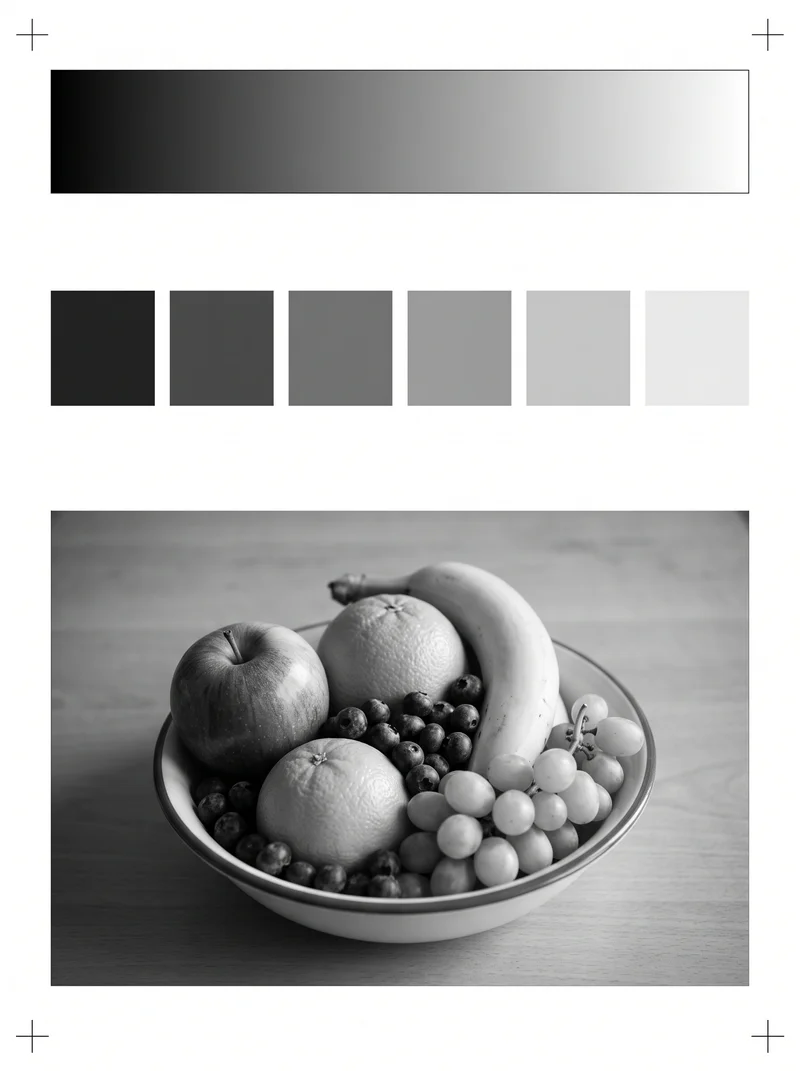
Black and White Print Test Page

Black & White Test Page

Check black toner and ink levels, 10-step grayscale ramp transitions, micro-banding, and typographic sharpness.

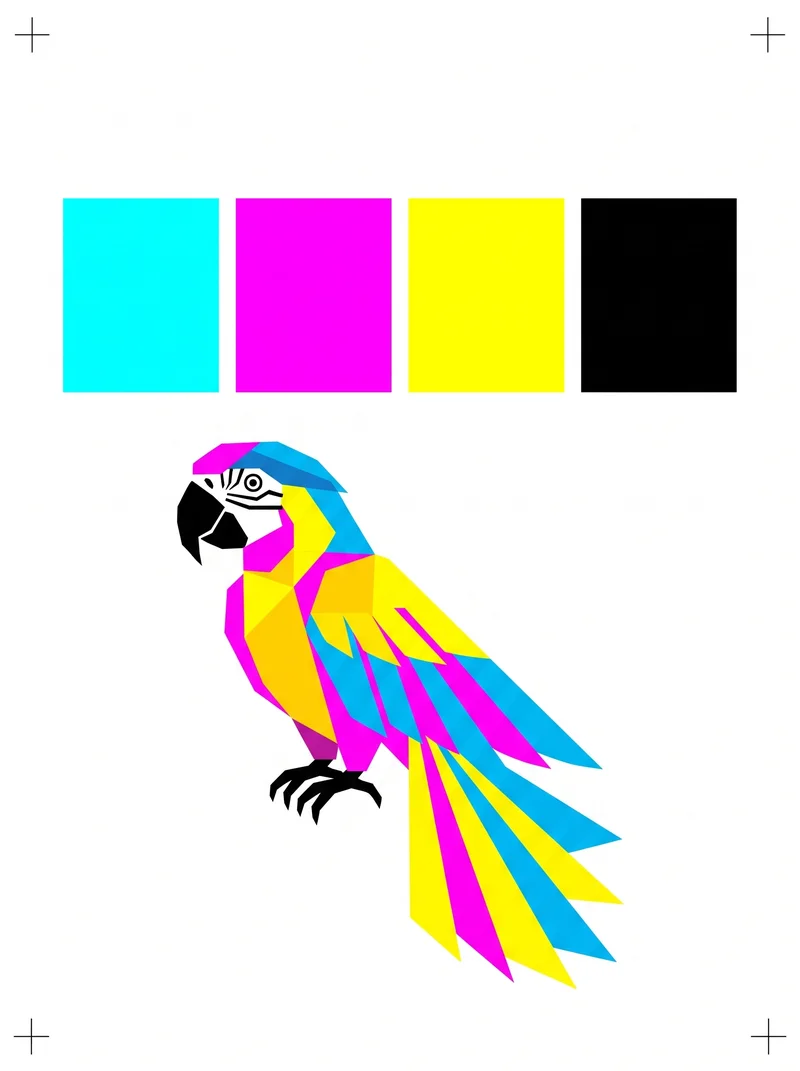
CMYK Process Calibration Test Page

CMYK Test Page

Calibrate Cyan, Magenta, Yellow, and Key process colors across 100%, 75%, 50%, and 25% density separation tiers.

What Is a Printer Test Page?

A printer test page is a single diagnostic sheet designed to tell you whether your printer is working correctly before you commit to a real document.

It prints a specific pattern of color bars, grayscale gradients, alignment grids, and fine text so you can check four things at a glance: that every ink color is firing, that lines and margins are properly aligned, that toner or ink density looks right, and that your computer and printer are actually communicating.

Think of it as a quick health check: one page, thirty seconds, and you know exactly where you stand.

Color Discharge Nozzle firing verification
Line & Margins Printhead alignment
Toner & Ink Density Grayscale fidelity
Communication PC & printer connectivity

How to Print a Test Page Online

Printing a test page from this site takes less than a minute:

Click "Print Test Page Now"

at the top of this page. Your browser's print dialog will open automatically with a full-color calibration sheet ready to go.

Select your printer

from the list, make sure the paper size is set to Letter or A4, and hit Print.

Pick up the printed sheet

and compare it to the on-screen guide. If the colors look accurate, the lines are sharp, and the margins are even on all four sides, your printer is good to go.

No account, no download, no software to install. If you need an offline copy, click "Download as PDF" instead and save the file for later.

Types of Test Pages Available

Choose the targeted calibration sheet tailored for your specific printer diagnosis.

Color Test Page

A color test page prints blocks of cyan, magenta, yellow, red, green, and blue alongside a smooth gradient strip. It is the fastest way to spot a clogged nozzle or an empty cartridge.

If any color looks faded, streaky, or missing entirely, you know exactly which ink needs attention before you print photos or presentations.

Black and White Test Page

A black and white test page focuses on grayscale accuracy. It prints a stepped ramp from solid black to near-white so you can check for banding, uneven toner distribution, or faint spots.

This is especially useful for laser printers and for anyone who prints mostly text documents and wants every character crisp.

CMYK Test Page

A CMYK test page breaks output into the four process colors your printer actually uses: Cyan, Magenta, Yellow, and Key (black). Each color prints at full, 75%, 50%, and 25% density.

Comparing these bars against expected values helps you catch color shifts that a standard test might miss, particularly if you do design or prepress work.

Alignment Test Page

An alignment test page prints crosshair marks in all four corners and fine horizontal and vertical lines across the sheet.

If any line appears doubled, shifted, or thicker on one side, your printhead needs recalibration. Catching alignment issues early prevents crooked output and wasted paper on multi-page print jobs.

Why Test Your Printer Before Printing a Document

Running a quick print test page before a real job saves more than you might expect. A single test sheet uses a fraction of the ink a failed ten-page report would burn through.

It also catches driver glitches, connection timeouts, and paper-feed problems while the fix is still simple, before you are standing at the printer with a deadline and a stack of blank pages.

If you print infrequently, nozzles can dry out between uses. A test page forces ink through every channel, which often clears minor clogs on its own. It takes thirty seconds and costs almost nothing.

Saves expensive ink & paper
Catches driver & connection glitches early
Clears dried nozzle clogs automatically
Takes 30 seconds, zero cost

My Printer Won't Print a Test Page: What to Check

If your printer shows "Ready" but nothing comes out, work through these steps:

Clear the print queue

Clear the print queue. Open your operating system's printer settings and cancel all pending jobs. A single stuck document can block everything behind it.

Restart the print spooler

Restart the print spooler. On Windows, open Services, find "Print Spooler," and restart it. On Mac, reset the printing system from System Settings.

Update or reinstall the driver

Update or reinstall the driver. An outdated driver is one of the most common reasons a printer stops responding after a system update.

Check the physical connection

Check the physical connection. Reseat the USB cable or confirm the printer is on the same Wi-Fi network as your computer. A dropped wireless connection looks identical to a hardware failure.

Frequently Asked Questions

Quick answers to common questions about printing test pages and printer diagnostics.